The OneKeyMLS.com site will be updated on or about 3/25/26. Users with a OneKeyMLS.com account may save searches and choose to be notified of those search results via email after that date. Learn how to save your custom search with filters such as location, price, bedrooms, baths, and many other features to run in the future and/or receive daily email updates.
1. Navigate to https://onekeymls.com
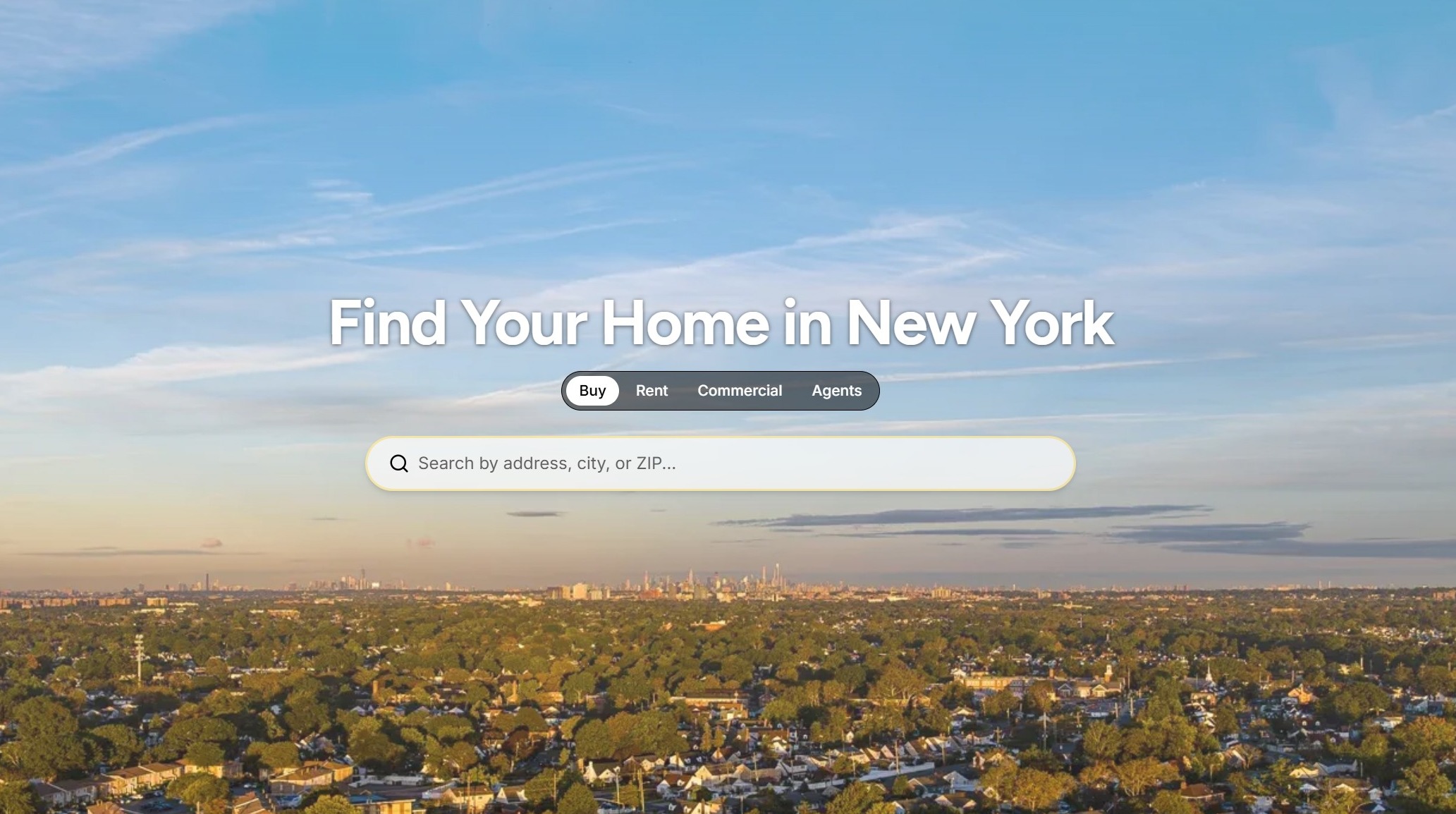
2. Enter your desired geographical criteria in the "Search by address, city, or ZIP..." field.
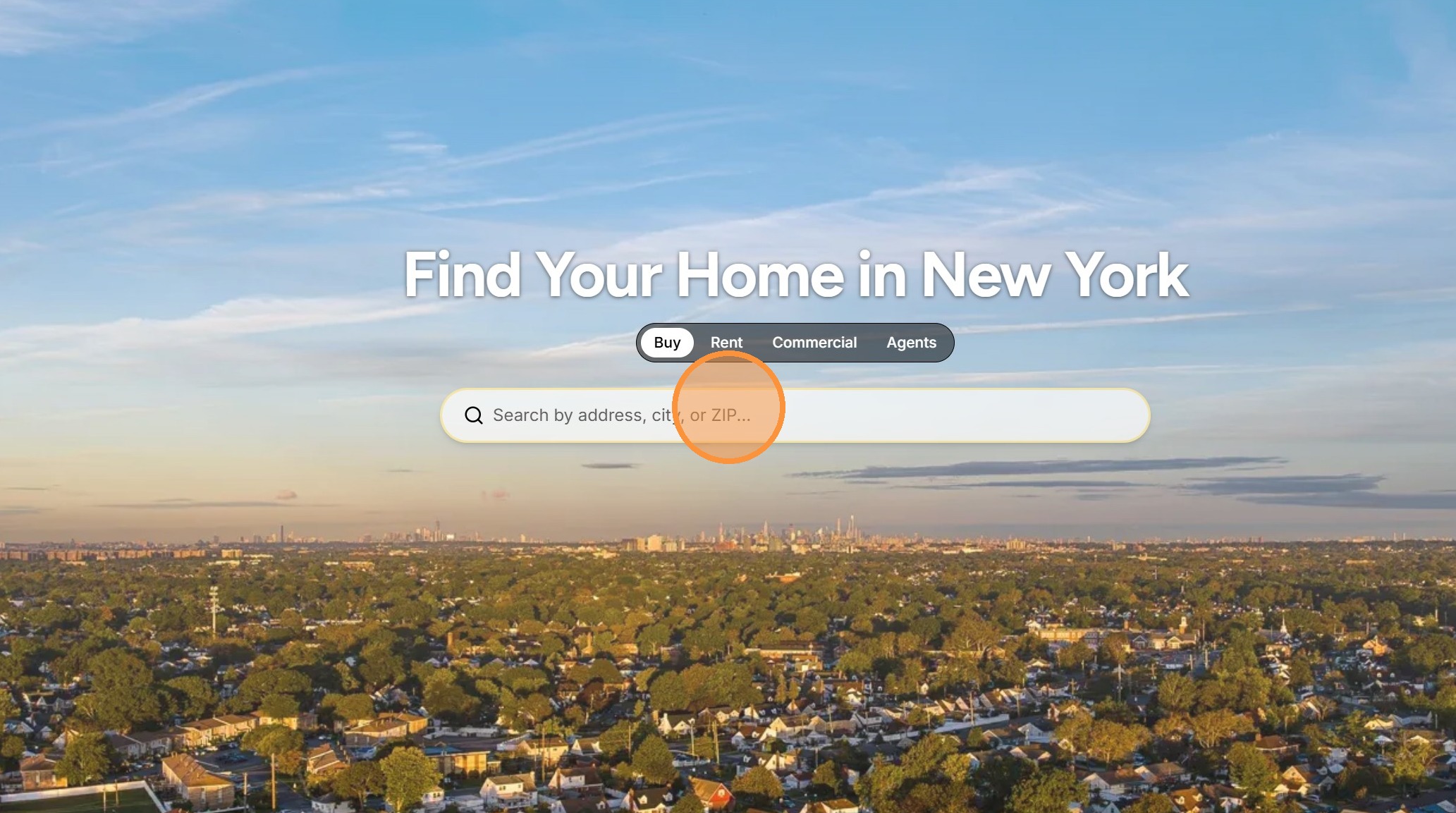
3. Select the desired suggested criteria from options presented or refine your search criteria as needed.
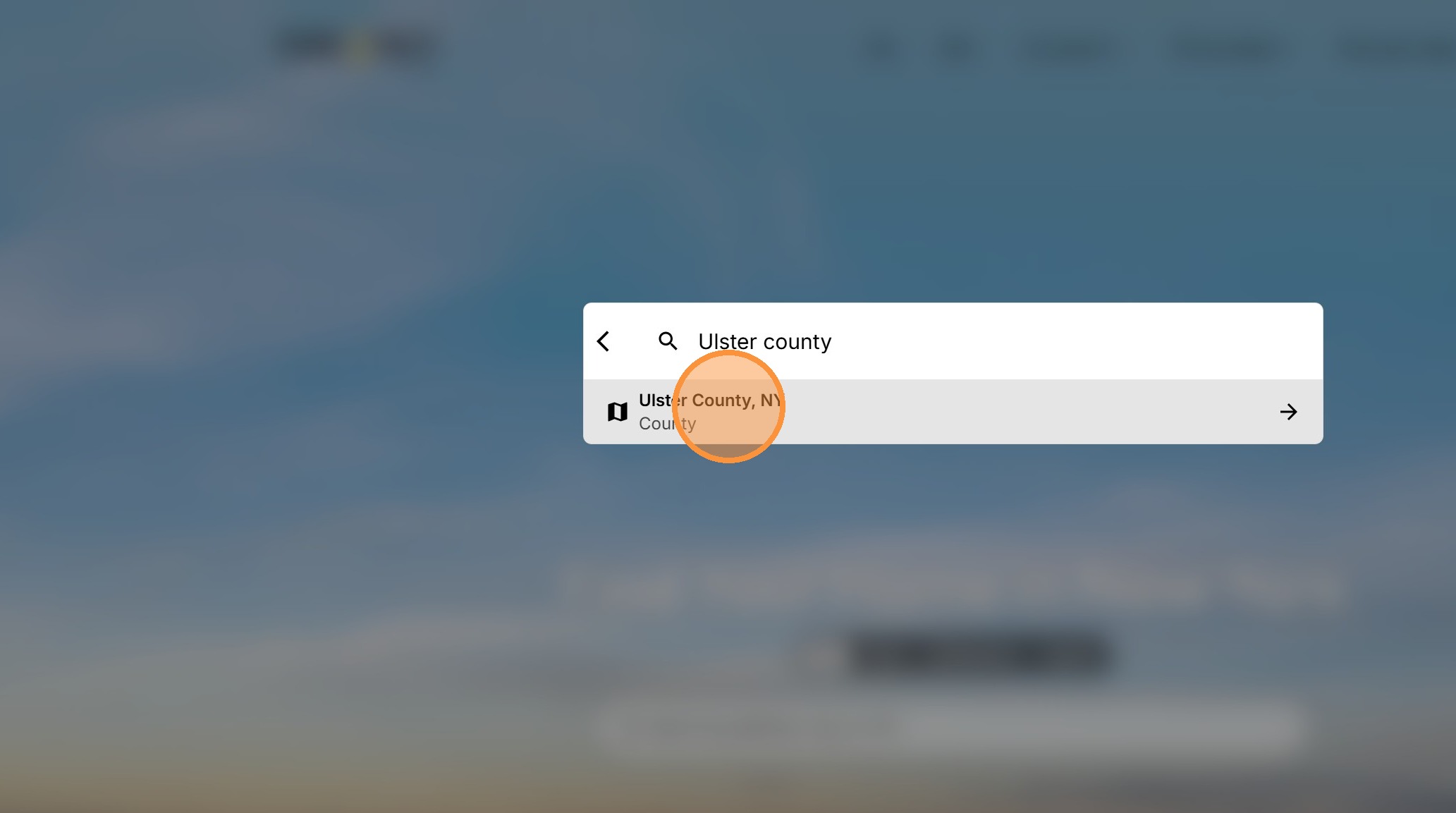
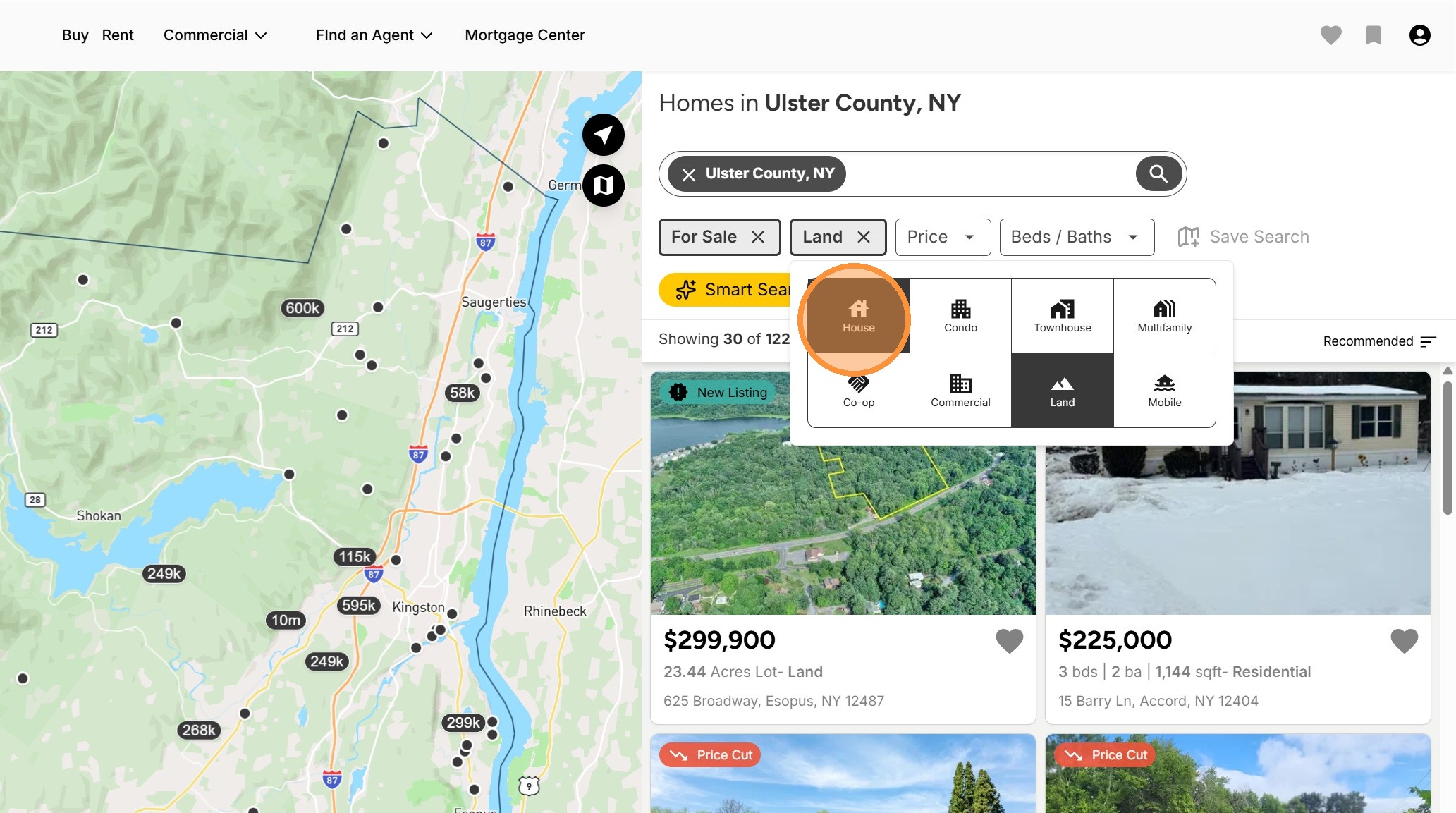
4. Add any desired additional criteria by clicking the dropdown arrows by clicking the selected item, remove criteria if desired by clicking the X.
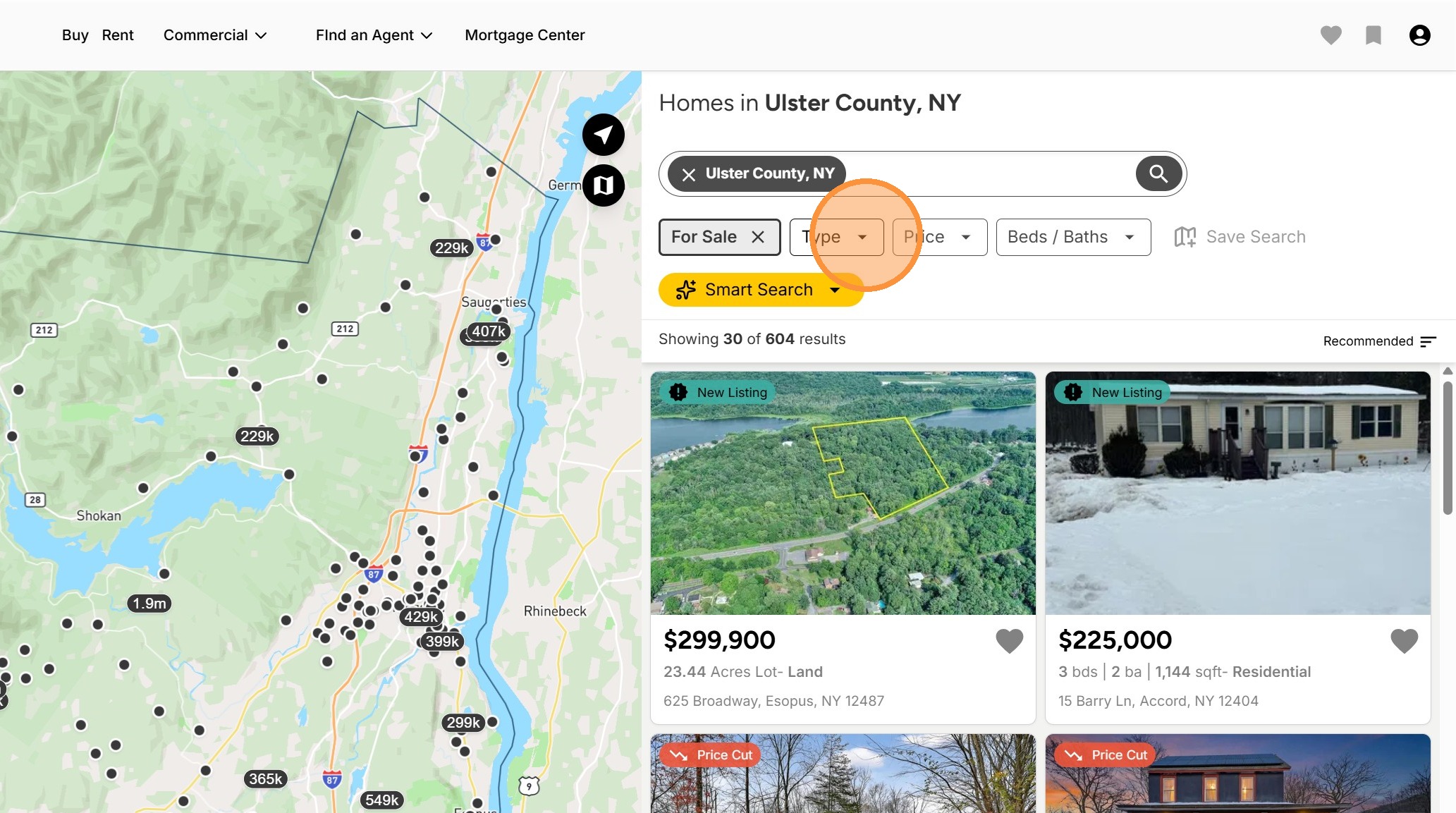
5. If the item is a multi-select you may select any option by clicking on it.
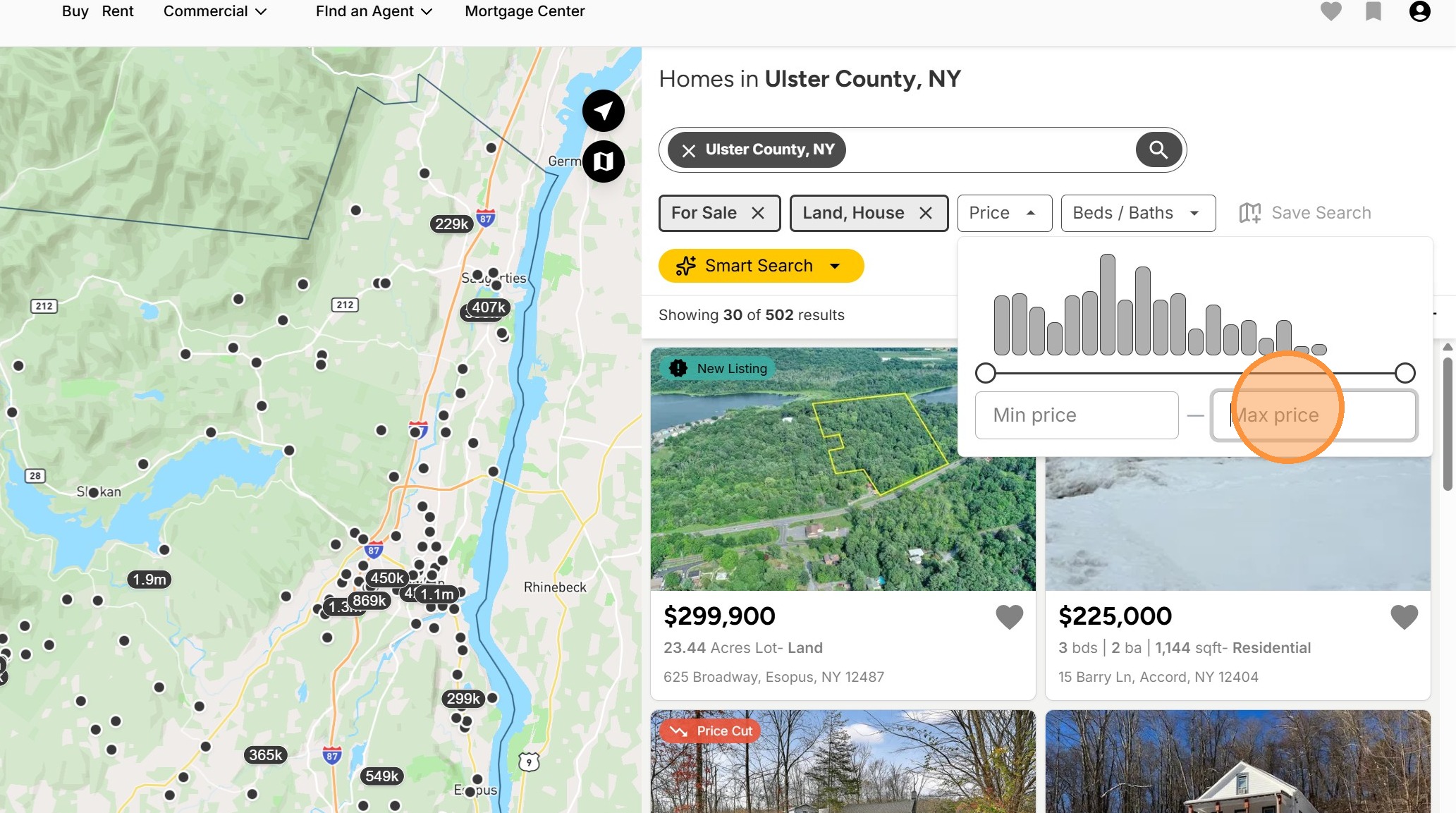
6. For range fields such as Price you may click and drag the slider to indicate the range or type in a min (minimum) and/or maximum price.
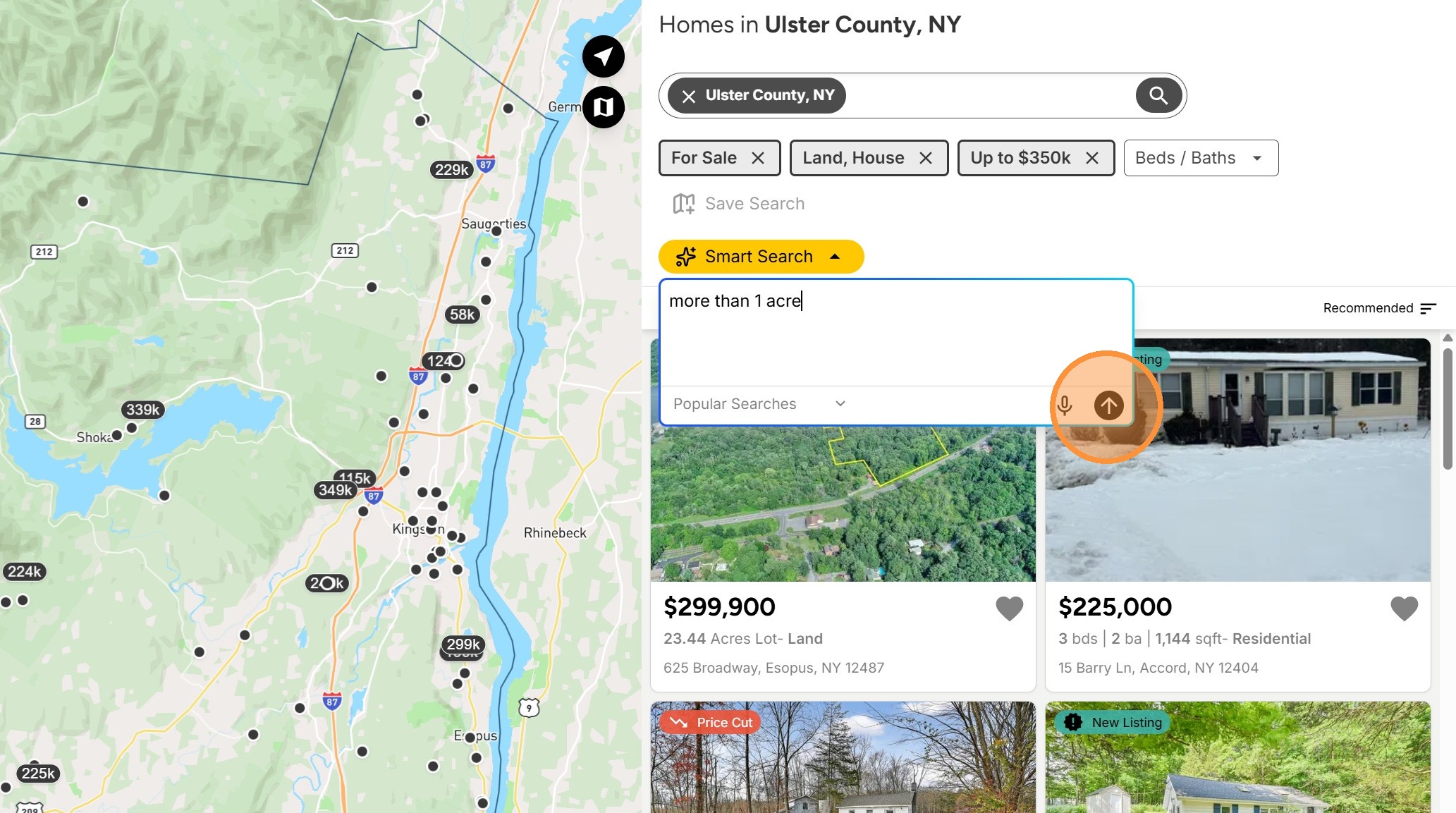
7. Click the Smart Search option and enter any other desired criteria. You may also choose to use the microphone icon to speak your desired criteria or view Popular Searches by clicking on that option. Click the arrow once finished.
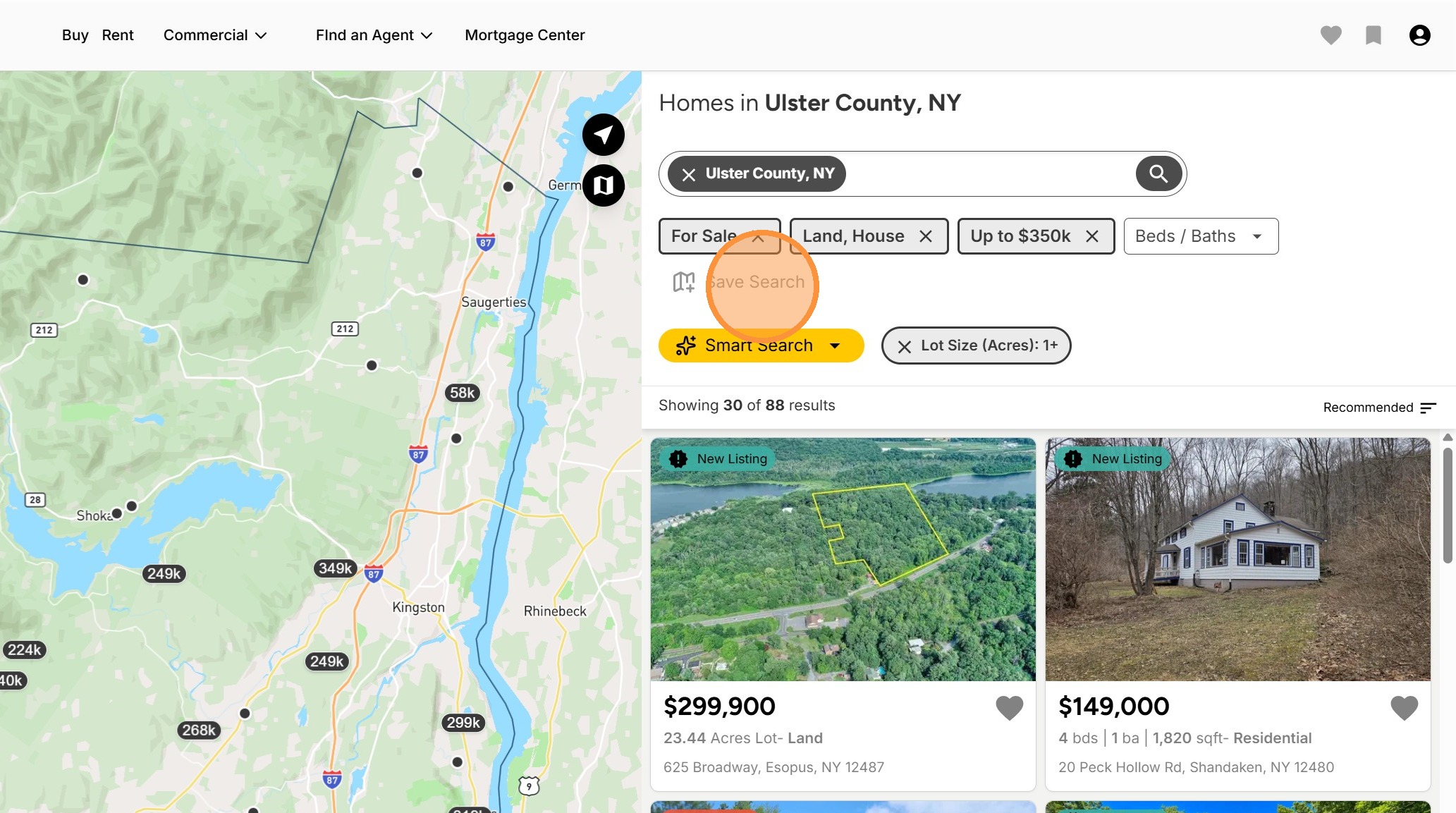
8. Click Save Search
9. Enter a Name for your saved search and if desired, select to receive daily email alerts. Click Create.
Once your search is saved, you may access it by clicking on the bookmark icon in the top right of the menu or by clicking your account icon and selecting Saved Searches from the drop down menu.