OneKeyMLS.com is the consumer/public-facing site that receives a direct feed of listing data from the largest multiple listing system (MLS) in New York, OneKey MLS. The site will be updated on or about 3/25/26 and the site will be ready for accounts to be created when you see the below screenshots in place. Creating a OneKeyMLS.com account allows a user to save searches, receive automatic email notifications of new listings meeting their saved criteria, and favoriting listings. Account information is private to the account holder. Read on for step-by-step instructions.
To create an account:
1. Navigate to https://onekeymls.com/
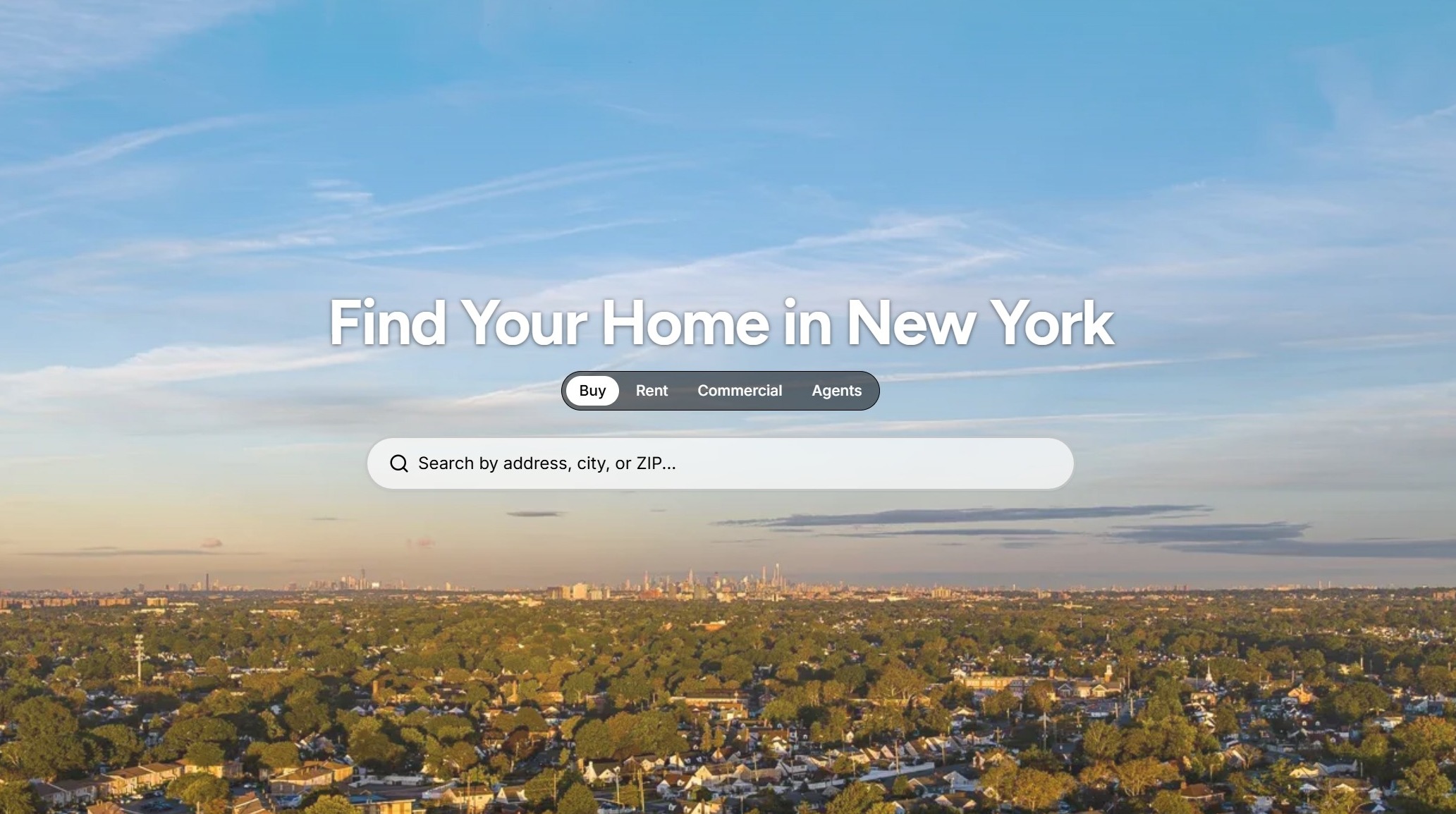
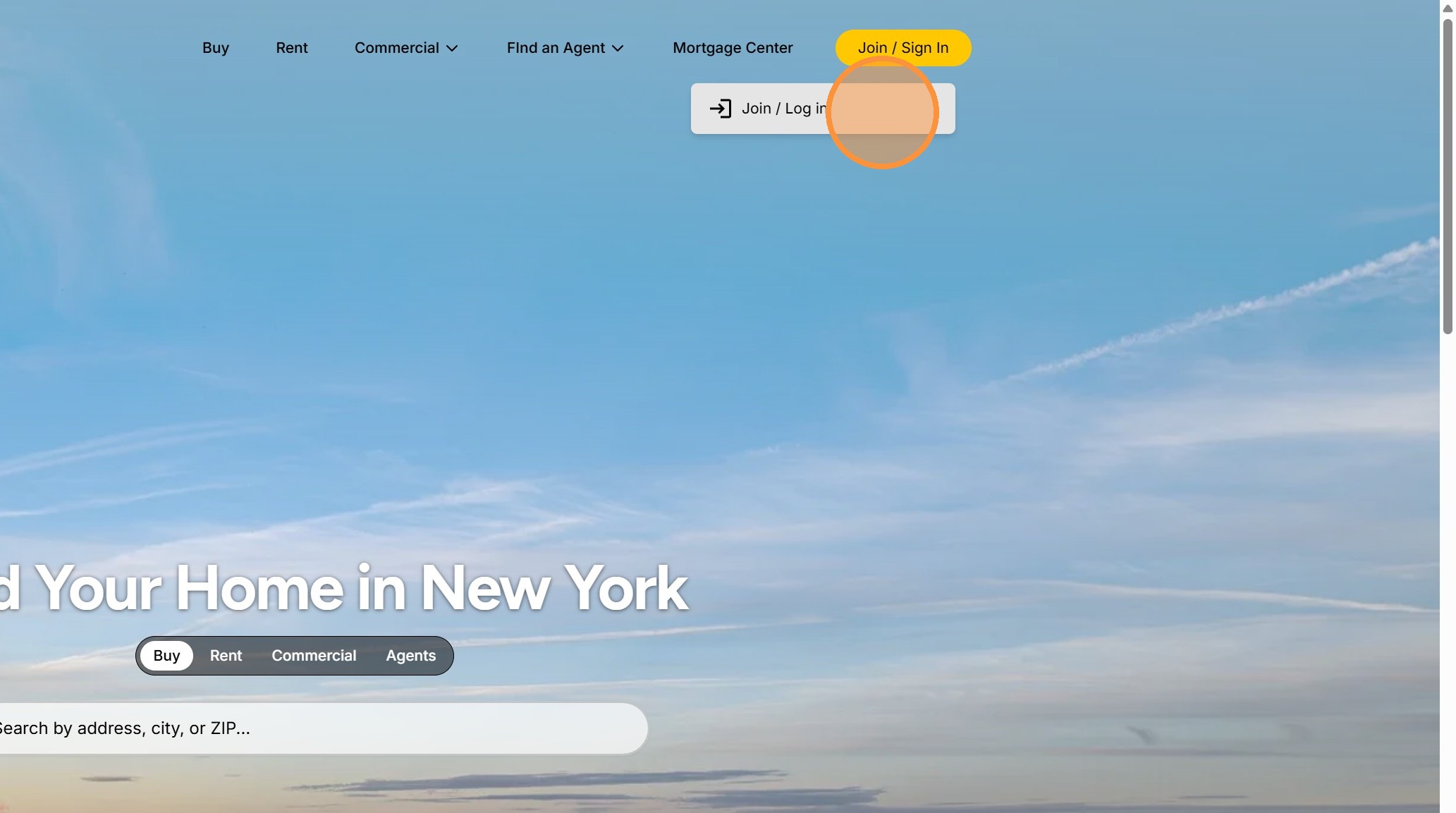
2. Click Join / Sing in, and then Join/Log in
3. Click Sign up by Need an account?
4. You may select to Continue with Google and follow the resulting prompts OR enter your email address and click Email me a sign-in code.
5. Open the email received from access@workos-mail.com with the Subject line: "Sign up for Broker Public Portal", copy the one-time code provided in your email and paste the code into the Code from email field and click Verify and continue
(Note: It may take a few minutes for the email to arrive, be sure to check your spam/junk folders if it does not appear in your inbox). Codes expire in 10 minutes.